Google has begun rolling out a visual redesign of the Play Store, changing how the Apps and Games tabs look and behave for millions of Android users. The update, spotted widely starting in the second week of July 2026, brings pill-shaped navigation tabs and a simplified layout. Google has not issued a formal press release, but the changes are already visible on live devices, meaning the rollout is active rather than experimental. Anyone who opens the Play Store this week may notice the shift immediately.
What Changed In The Play Store Interface
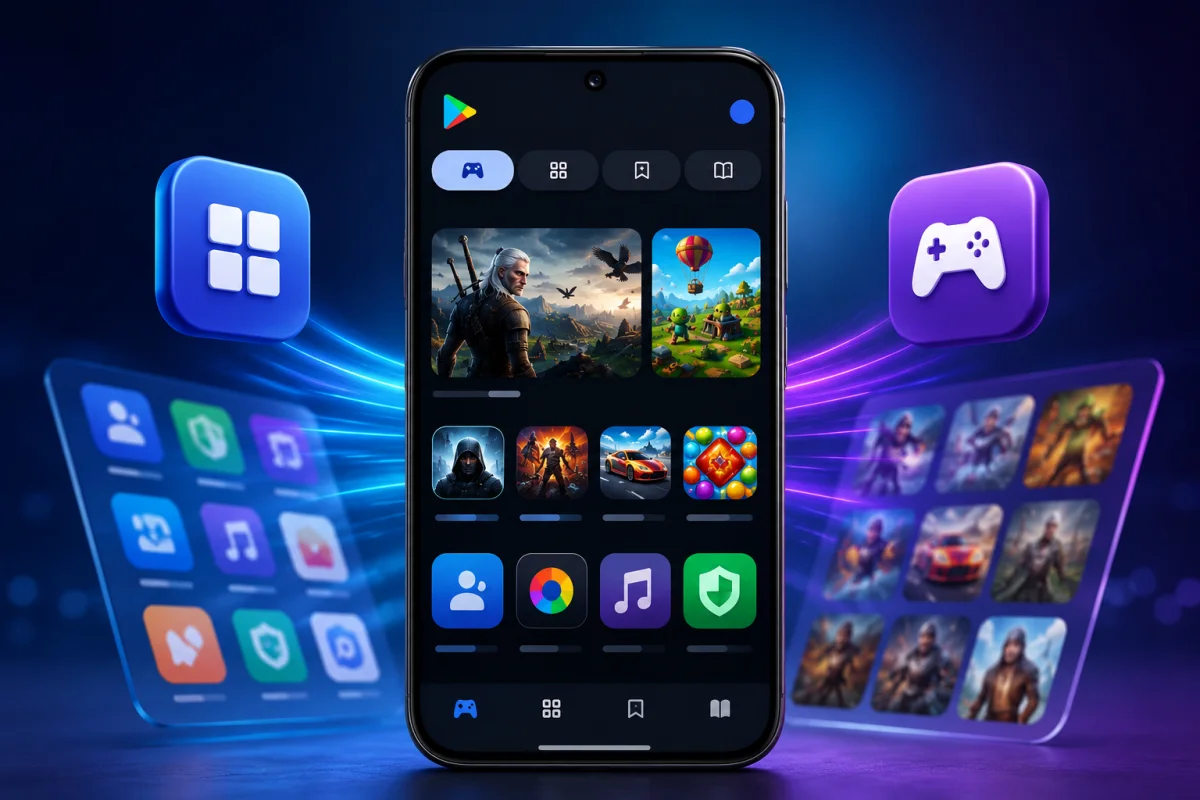
The most obvious update is the shape of the navigation tabs. Sub-tabs like For You, Top Charts, Kids, and Categories now sit inside rounded, pill-shaped containers instead of the flat text-based row used before. This single tweak changes the visual rhythm of the entire Play Store home screen.
Tapping Top Charts or Categories expands content inline. Now, both open as separate full pages, and users need to tap the back arrow in the top left corner to return home. It is a small workflow change, but one that regular Play Store users will notice within seconds of browsing.
The For You Tab Has Been Removed
Google has quietly dropped the standalone For You tab. Instead, its content now functions as the default landing view when someone opens either the Apps or Games section of the Play Store. There is no separate tab to tap anymore; personalized recommendations simply load first. This mirrors a pattern Google has used elsewhere in its apps, where default views absorb functions that once required a dedicated tab. It reduces visual clutter while keeping the same recommendation engine working in the background.
Read more: Samsung Galaxy M47 5G
Apps And Games Tabs Get The Update First
The redesign is currently limited to two sections of the Play Store: Apps and Games. The Books tab has not changed and still uses the older interface style, at least for now. This selective rollout suggests Google is testing the new pill-based design on its highest-traffic sections before deciding whether to extend it further.
The Games tab also keeps its Premium sub-tab, though it now shares the same rounded visual treatment as the rest of the navigation bar. Developers and publishers who rely on visibility within these tabs should expect user behavior to shift slightly as people adjust to the new layout.
Play Points And Notification Badges Also Refreshed
Beyond the navigation bar, Google has made two smaller but noticeable interface changes:
- The blue pill-shaped container that used to display the Play Points balance at the top of the screen has been removed entirely.
- Notification badges across the Play Store now use an updated visual style, though Google has not detailed the exact technical changes behind this.
- The overall header area feels less crowded, since both changes reduce the number of persistent UI elements competing for attention.
- Play Points balances still appear to be accessible, just not through the same always-visible container as before.
These adjustments align with a broader effort by Google to simplify the Play Store’s visual language across phones, tablets, and other supported devices.
Read more: Nintendo Mario Kart
Why This Redesign Matters For Users And Developers
For everyday users, the changes mean a slightly different browsing experience but not a dramatically different one. The core functions of searching, downloading, and managing apps remain the same. What is changing is how information is organized and how many taps it takes to reach certain sections.
For developers, shifts in the Play Store layout can influence discoverability. When Google adjusts how carousels, tabs, or recommendation sections are displayed, app visibility patterns often shift accordingly. Anyone who publishes apps or games on the platform should monitor install trends closely over the coming weeks.
How To Check If You Have The New Design
Not every account is seeing the update at the same time, since Google is rolling this out gradually rather than pushing it to all users simultaneously. To check:
- Open the Play Store app and look at the Apps or Games tab.
- If the sub-tabs appear as rounded pill shapes, the new design is active.
- If Top Charts or Categories open as a full separate screen, that confirms the update as well.
Google has not published an official changelog entry for this visual update, nor has the company confirmed whether the redesign will expand to the Books tab or other sections of the Play Store. Users who have not received the change yet should keep their Play Store app updated, since staged rollouts like this typically reach the full user base within a few weeks of the initial sighting. Watching for the pill-shaped tabs is the simplest way to know the update has arrived on a given device.