Samsung Galaxy S24 and Galaxy S25 owners are reporting sudden battery drain and unusual overheating after installing the company’s July 2026 security update. The complaints began surfacing on Samsung’s own community forums earlier this week. Owners of the Galaxy S24 Ultra, Galaxy S25 Ultra, and Galaxy Z Fold 7 say the issue started almost immediately after the patch was installed. For anyone relying on their Samsung Galaxy S24 for daily use, the timing could not be worse.
The update in question is tied to Samsung’s One UI maintenance rollout for July, distributed as a routine security patch rather than a major feature release. It reached a wide range of devices across the Galaxy S24 and Galaxy S25 lines within the same short window, which helps explain why complaints are showing up across model years at roughly the same time.
What Samsung Galaxy S24 Owners Are Reporting
Forum posts describe phones losing large chunks of battery life within just a few hours of light use. One Galaxy S25 Ultra owner said their device dropped from 85 percent at midnight to just 5 percent by midday, despite barely touching the screen. Similar reports are now appearing from Samsung Galaxy S24 Ultra users, suggesting the problem isn’t limited to one device generation.
Samsung Galaxy S24 Ultra Battery Drain Complaints
Several Samsung Galaxy S24 Ultra owners describe losing 5 to 7 percent of battery per hour while their phone simply sits idle on a desk. That kind of drain was not present before the update was installed. Alongside the drain, many users report their handsets running noticeably warmer than usual, even without gaming or heavy app use. Some owners also mention slower charging speeds since the patch arrived, which adds to the inconvenience for anyone who relies on quick top-ups during the day.
Read more: Galaxy S27 Ultra Leak Reveals

Why The Samsung Galaxy S24 Update Might Be Causing This
Security patches are meant to close vulnerabilities and fix bugs, not create new ones. In this case, background processes appear to be getting stuck in repeating loops after installation. When a task loops instead of completing, the processor stays active far longer than normal. That constant activity pulls extra power and generates heat, which lines up with what affected owners are describing.
This isn’t the first time a software rollout has caused this kind of trouble for Galaxy devices. Past updates have triggered similar charging slowdowns and performance complaints on earlier models, often tied to background sync tasks or cloud backup services failing to close properly. If that pattern holds, a fix for the Samsung Galaxy S24 and related devices would likely arrive through a follow-up patch rather than a full system rollback.
How To Reduce Battery Drain On Your Samsung Galaxy S24
Samsung has not issued an official statement or confirmed a timeline for a fix. Until a patch arrives, a few workarounds shared on the company’s support forums have helped some affected owners manage the problem in the meantime.
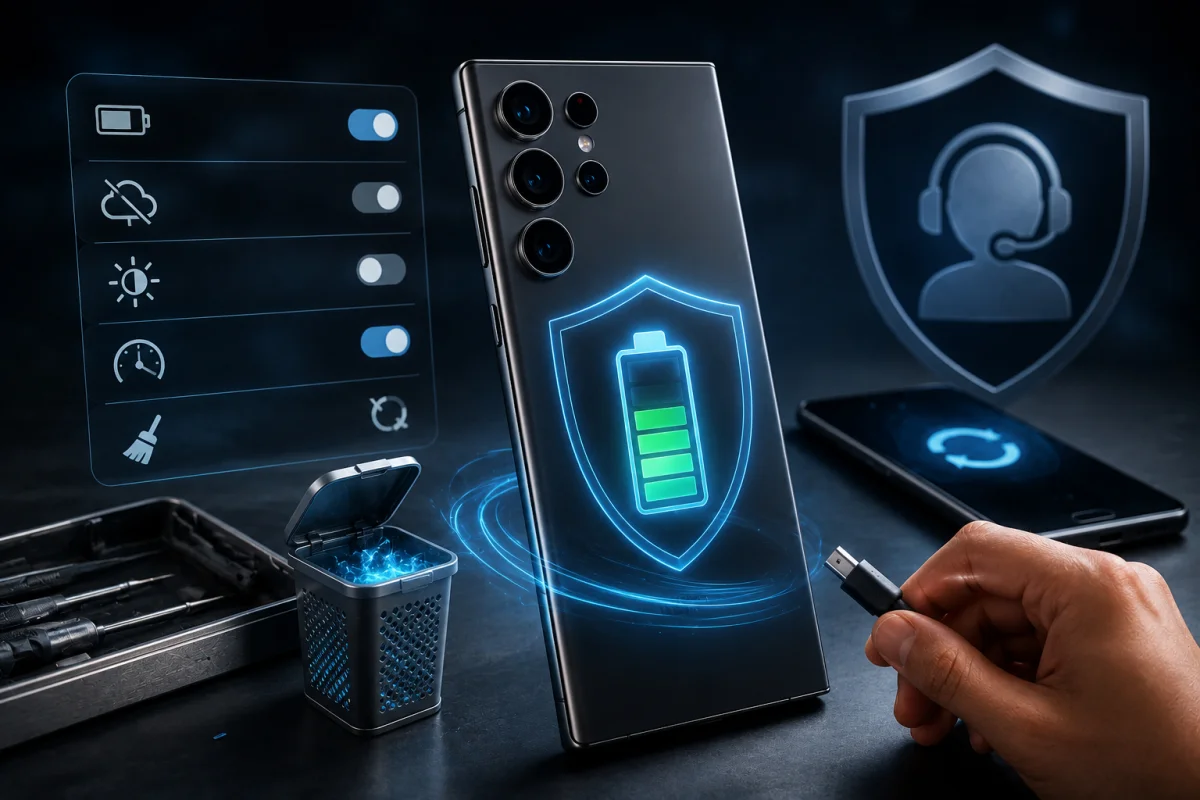
- Open Settings and check battery usage to spot apps consuming unusual amounts of background power
- Turn off automatic cloud backup temporarily if it appears to be running constantly.
- Disable always-on display and lower the refresh rate to ease processor load
- Clear the system cache partition through the recovery menu.
- Restart the phone to clear temporary glitches that may be triggering the loop.
These steps won’t solve the root cause, but forum reports suggest they can meaningfully slow the drain on an affected Samsung Galaxy S24 or S25 handset. Owners who depend on their phone for work calls or navigation may also want to carry a charger as a backup until Samsung confirms a fix.
Samsung’s Response So Far
As of this week, Samsung has not publicly acknowledged the battery and heating reports tied to the Samsung Galaxy S24 and S25 lineups. No official statement, support advisory, or repair guidance has been published. That silence leaves affected owners without a clear timeline, though the scale of complaints across forums suggests the company is aware internally even without a public comment.
Read more: Samsung Galaxy A52S 5g Owners
What This Means For Samsung Galaxy S24 And Other Galaxy Owners
The pattern here matters beyond just battery percentages. A phone running hotter than usual while idle can wear down its battery health faster over time, which is a bigger concern for anyone planning to keep their Samsung Galaxy S24 for several more years. It also raises questions about how thoroughly security patches are tested across Samsung’s wider device lineup before release, especially when older flagships are still expected to receive years of ongoing software support.
Owners who haven’t noticed problems yet may still want to keep an eye on battery statistics over the coming days, since drain issues like this don’t always appear immediately after installation. Samsung typically issues monthly maintenance patches, so a correction addressing the Samsung Galaxy S24 and S25 Ultra could arrive with the company’s next scheduled update cycle. Until then, checking background app activity remains the most practical step for anyone noticing their phone running warmer or draining faster than expected.