Apple released the iOS 27 public beta on July 13, 2026, giving anyone enrolled in the Apple Beta Software Program early access to the company’s biggest software update of the year. The release follows three developer betas and arrives alongside public previews of iPadOS 27, macOS 27 Golden Gate, and watchOS 27. The first public betas of Apple’s 2027 software updates are now available for installation directly on compatible devices. For iPhone owners curious about new AI features, faster performance, and a refined design, the iOS 27 public beta is now just a settings menu away.
What the iOS 27 Public Beta Actually Changes
The headline addition is Siri AI, a rebuilt assistant that moves far past simple voice commands in iOS 27. The new version can hold natural conversations, understand follow-up questions, read what’s on screen, and complete multi-step tasks inside apps. On newer hardware, users can even adjust how expressive the assistant’s voice sounds during conversations.
Access isn’t universal yet. Siri AI is available to all Apple Intelligence-capable devices in the public beta, though a waitlist was in place during the developer beta phase, so some patience may still be needed. The assistant currently supports English only and won’t be rolling out in the European Union at launch, a limitation tied to regulatory requirements there.
Hardware Requirements Limit Who Gets The Full Experience
Not every iPhone that can install iOS 27 can run every feature inside it. Older devices, going back to the iPhone 11, are compatible with the update itself, but the most demanding AI tools require considerably more memory. Voice customization and the deepest Siri AI functions are reserved for devices with the newest chips, meaning some users will notice that the update installs cleanly while certain features remain dormant.
Read more: Google Pixel 11 Pro Fold
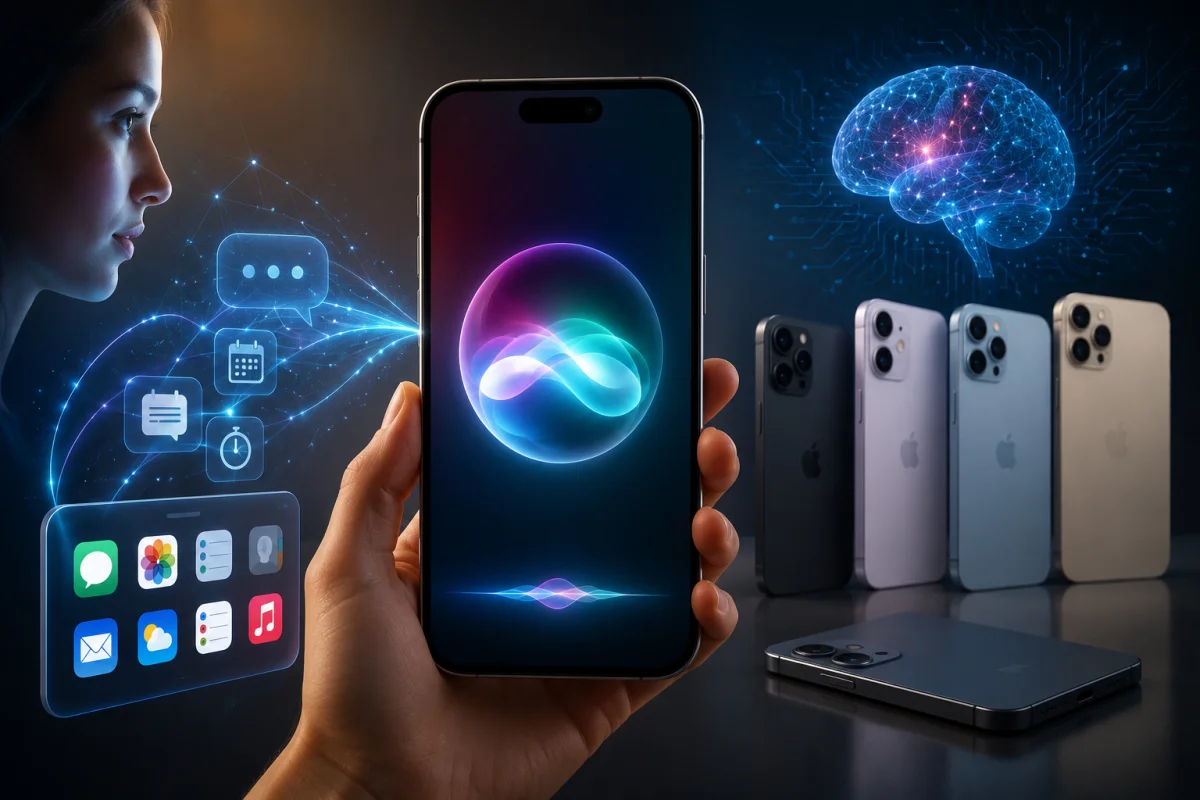
Photo Editing And System-Wide Speed Gains
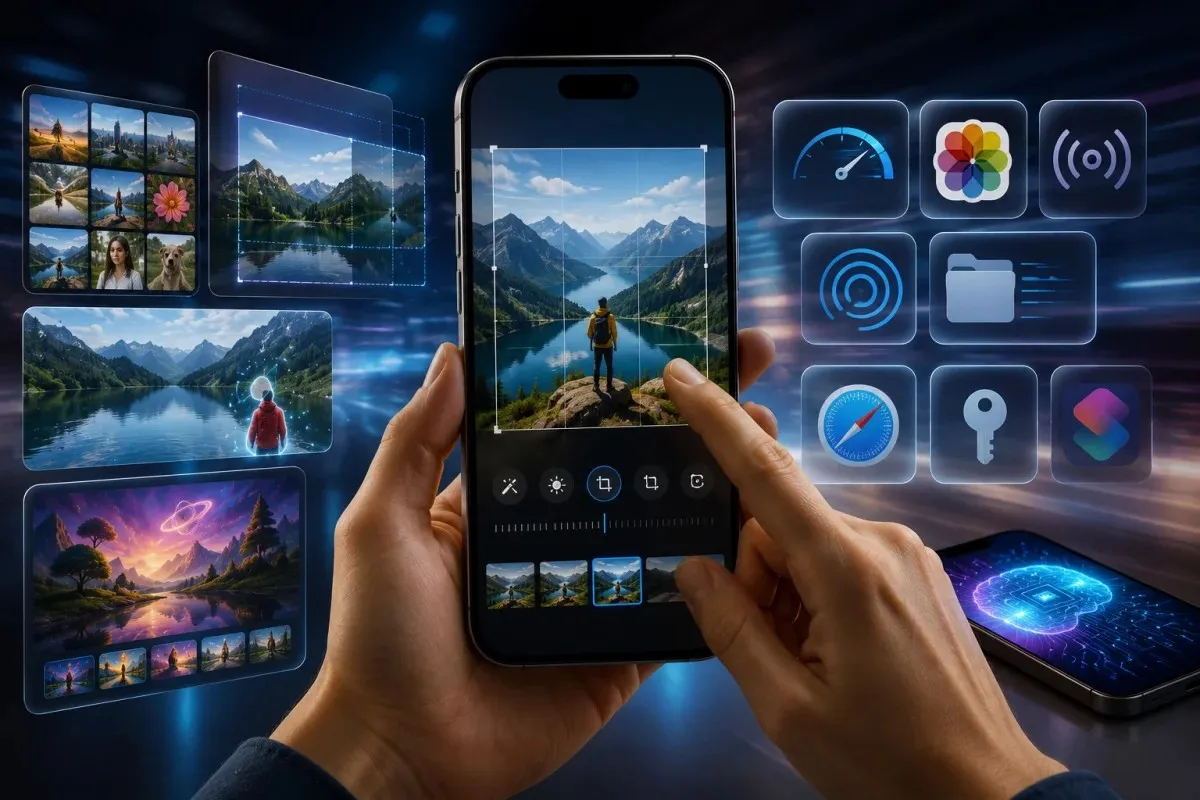
Apple Intelligence extends well beyond Siri in this release. The Photos app gains more advanced editing tools, including Spatial Reframing for adjusting composition after a picture is taken, along with an Extend feature that expands an image beyond its original edges. The Clean Up tool now removes unwanted objects more effectively, and Image Playground produces higher-quality, more photorealistic images.
Performance was clearly a priority for this iOS 27 cycle. Apple says apps now launch up to 30 percent faster, new photos appear in the Photos app up to 70 percent faster, and AirDrop transfers can complete up to 80 percent faster than before. Early hands-on impressions indicate that developer builds are noticeably snappier, though individual results will vary by device.
Everyday Features Getting Practical Upgrades
Several smaller changes are likely to matter more to daily use than the AI headlines. Safari now automatically organizes browser tabs into groups and includes a Notify Me feature that watches web pages for price drops or restocks. The Passwords app can flag weak credentials and update them automatically, and Shortcuts now lets users build automations by simply describing what they want in plain language.
Design also got attention after last year’s mixed reception. iOS 27 responds to criticism of the earlier Liquid Glass redesign by improving readability and adding a slider that lets users adjust the visual effect’s intensity to their preference.
A few practical points stand out for anyone weighing whether to install now:
- Enrollment requires signing up for the free Apple Beta Software Program at beta.apple.com.
- The update installs through Settings > General > Software Update, under Beta Updates.
- Compatible devices match the iOS 26 list, running back to the iPhone 11.
- Full Siri AI features require significantly newer hardware with more onboard memory.
- Apple recommends testing on a secondary device rather than a primary iPhone.
Read more: iOS 26.5
What’s Coming To Other Apple Devices
The iOS 27 public beta doesn’t exist in isolation. Siri AI is expanding to the Apple Watch as well, where it could answer quick questions mid-workout without reaching for a phone. watchOS 27 adds a Dynamic App Grid that surfaces frequently used apps, along with new single-tap gestures for interacting with widgets in the Smart Stack.
On the Mac, Siri AI becomes a more central productivity tool, accessible directly from Spotlight for tasks like screen analysis and writing assistance. iPadOS 27 carries over the same core changes, with Visual Intelligence now working alongside the Apple Pencil, allowing users to circle something on screen to learn more about it.
Installing The Beta Safely
Anyone installing the iOS 27 public beta should expect occasional bugs, shortened battery life, and the kind of rough edges typical of early software. Apple encourages testers to submit feedback through its dedicated Feedback app so issues can be addressed before the fall release. Those wanting a steadier experience may prefer to wait for the second or third public beta build rather than jumping in on day one, since early releases tend to carry the most instability before Apple irons out performance and reliability issues over the following weeks.