Apple released iOS 26.6 on Monday, July 27, 2026, rolling out a security-focused update to every eligible iPhone. The company confirmed the release through its standard software update channel, and it lands for anyone running iOS 26 on supported hardware. This update matters because it patches dozens of security flaws while quietly setting the stage for iOS 27, which is already in public beta.
What Is New In This Release
Unlike earlier point releases this year, iOS 26.6 does not introduce flashy new features. Apple’s own release notes describe it mainly as a bug-fix and security update, and testers who tracked six developer betas before launch found only a handful of user-facing changes. Still, those changes touch real daily annoyances.
Apple Maps Gets A Security Sandbox
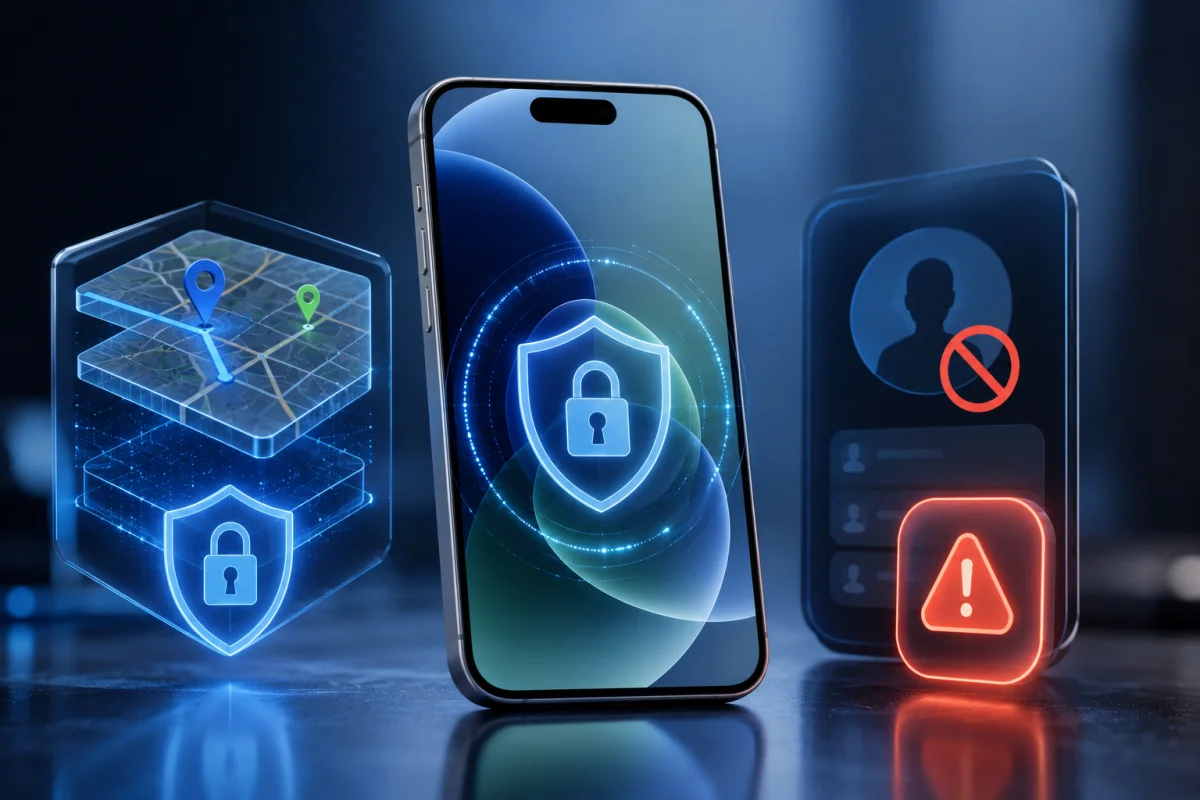
The update adds an internal framework, discovered during testing, that isolates potentially untrusted data inside Apple Maps. This BlastDoor-style approach processes risky content such as shared locations, links, and routing data in a restricted environment before it reaches the rest of the app. Apple first used this sandboxing method in iOS 14 to protect Messages, and extending it to Maps suggests the company wants to close off another possible entry point for attackers.
A Clearer Warning For Blocked Contacts
This update also fixes a confusing limitation around blocked callers. iPhones cap blocked contacts at 20,000 entries, and previously, reaching that ceiling could quietly stop someone from blocking a new number. Now the software explains the problem directly and prompts users to clear out old entries under Settings, Apps, Phone, Blocked Contacts. Few people will ever hit that number, but those who accumulate years of spam calls will notice the difference.
Read more: iOS 27 Public Beta Brings
How This Update Quietly Sets Up iOS 27
The most consequential part of iOS 26.6 isn’t listed as a headline feature at all. The update begins optimizing the Spotlight search index in preparation for iOS 27, which will introduce a redesigned, AI-driven Siri experience later this year. This groundwork means indexing work happens now, rather than causing delays when Siri AI eventually arrives on compatible devices.
That distinction matters for expectations. Full Siri AI capability will require an iPhone 15 Pro or newer, since Apple Intelligence needs at least 8GB of RAM to run its on-device models. Older iPhones still receive the indexing groundwork now, which helps the transition, even though they won’t unlock every new Siri capability once iOS 27 ships.
Malicious Message Detection Joins The Update
Another practical addition in this release is a system that flags messages suspected of carrying malicious content. When the iPhone detects a message that could compromise privacy or security, it prompts the user to report it directly to Apple. That reporting pipeline gives Apple a steady stream of real-world data to strengthen protections for everyone else.
Security patching remains the strongest reason to install iOS 26.6 promptly, even for people who never touch Apple Maps or approach the blocked-contact limit. Apple addressed dozens of vulnerabilities in this release, some of which affected features like iPhone Mirroring and Siri, giving attackers less room to exploit weaknesses.
Smaller Fixes Worth Knowing About
Beyond headline changes, this iOS 26.6 release resolves a handful of smaller but noticeable bugs. Apple confirmed several practical improvements that affect everyday usage:
- A HealthKit authorization tool for blood pressure identifiers now works correctly.
- Garbled HDR screenshots sent through Messages have been fixed.
- Stickers that previously corrupted during iCloud sync now transfer properly.
- The release build carries the internal version number 23G71.
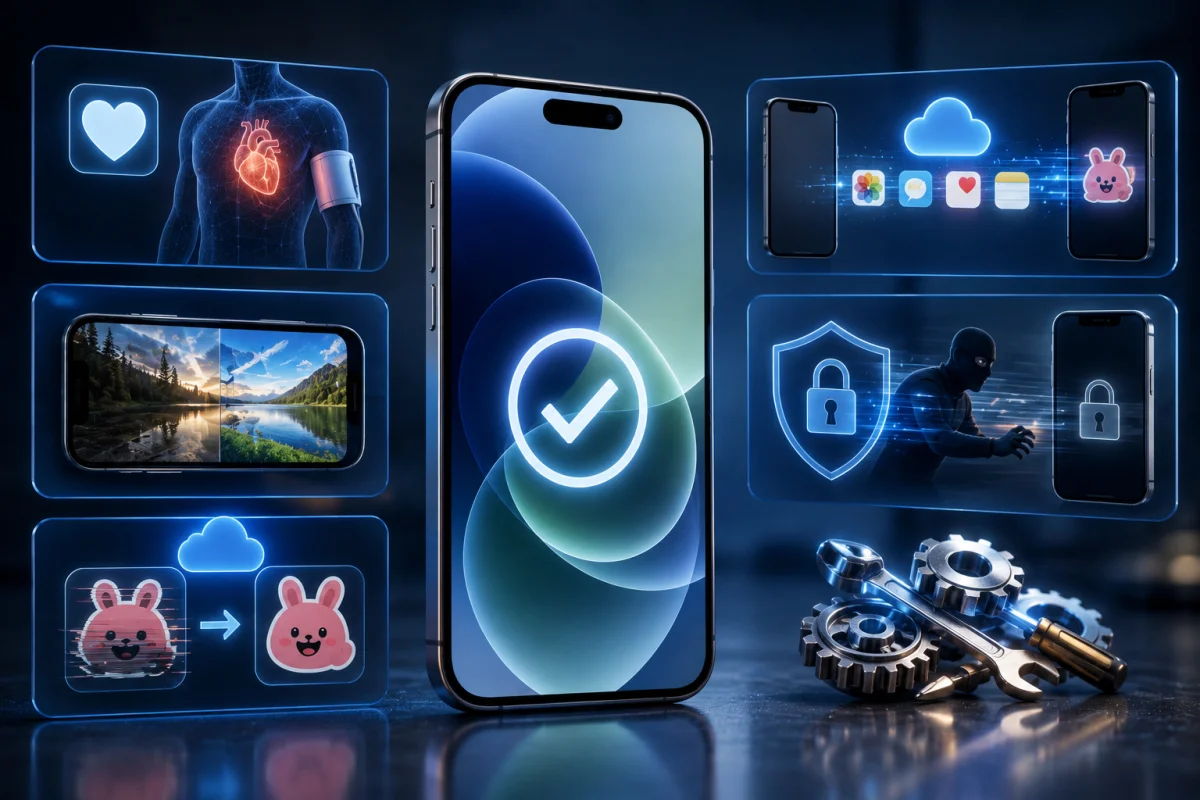
Code references uncovered during testing also point to an anti-theft feature that would automatically lock an iPhone if it detects a sudden snatching motion, similar to Android’s theft detection tools. That capability appears to be reserved for iOS 27 rather than this release, so iPhone owners shouldn’t expect it to appear immediately after installing iOS 26.6.
Read more: Samsung Fold 8 Launches
Which iPhones Can Install the Update
iOS 26.6 supports the same device lineup as the original iOS 26 release, stretching back to the iPhone 11 family and the second-generation iPhone SE. That includes the iPhone 17 series, iPhone 16 series, iPhone 15 series, iPhone 14 series, iPhone 13 series, iPhone 12 series, and iPhone 11 series. Owners of the iPhone XS, XS Max, or XR won’t see this update, since Apple dropped those models when iOS 26 first launched.
How To Get iOS 26.6 Right Now
Installing the update follows Apple’s usual process. Open Settings, tap General, select Software Update, then choose Update Now or Update Tonight. A stable Wi-Fi connection and sufficient storage will help the download complete without interruption, and keeping the iPhone plugged in prevents the update from stalling midway.
Apple typically distributes new software gradually, so iOS 26.6 may take a day or two to appear as available on every eligible device. Companion updates are also live for iPadOS, macOS, watchOS, visionOS, and tvOS, all carrying similar security patches and the same Spotlight groundwork ahead of this year’s bigger software push.